
Student login
Sign in with your LCK email and the password you set during account setup.
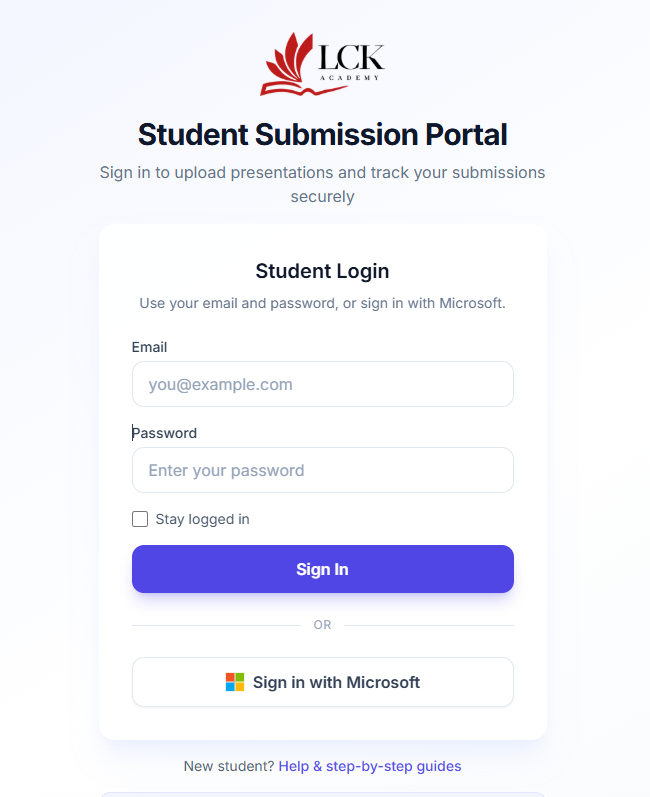
Sign in
- Go to the student login page.
- Enter your LCK email address.
- Enter the password you chose when you completed account setup (from your invitation link).
- Click Sign In.
First time?
If you have not set a password yet, use the invitation link in your email first — see Set up your account.
Forgotten password?
Contact LCK Academy support so an administrator can help reset your access.