
How to use the submission portal
Step-by-step guides for new students: account setup, signing in, and uploading presentations.
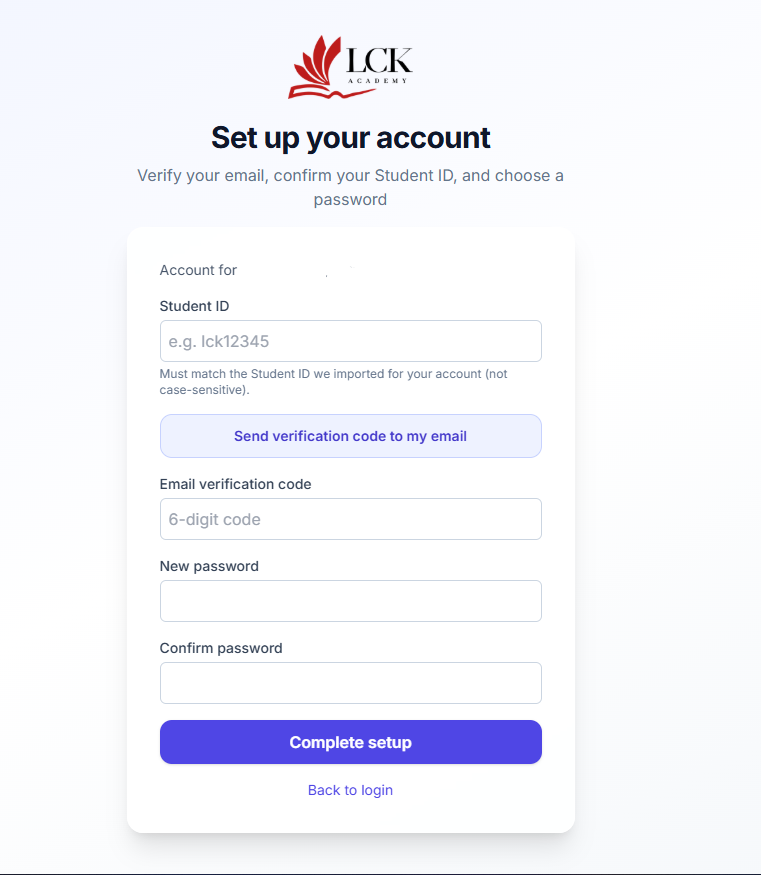
Set up your account
After you receive your invitation email, verify your address, confirm your Student ID, and create your password.
Read guide →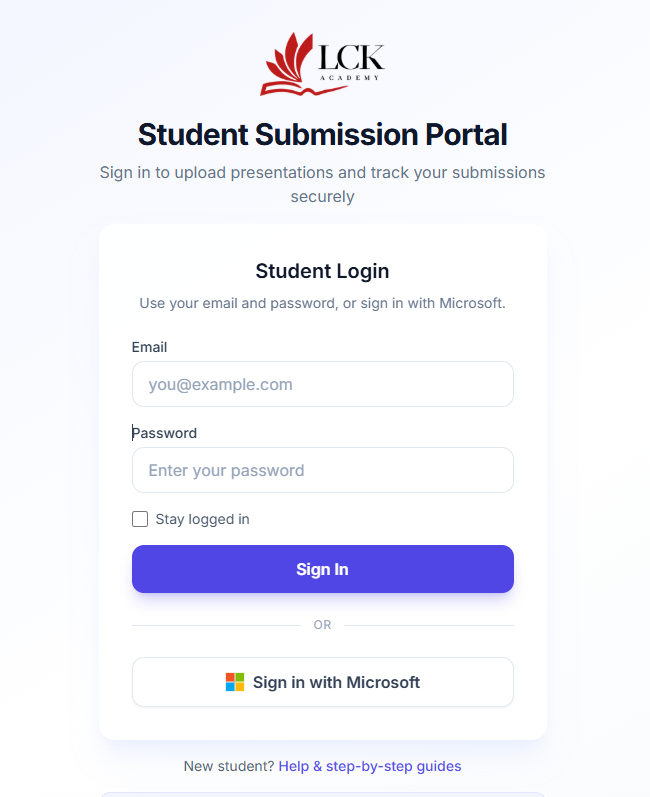
Student login
Sign in with your LCK email and the password you set during account setup.
Read guide →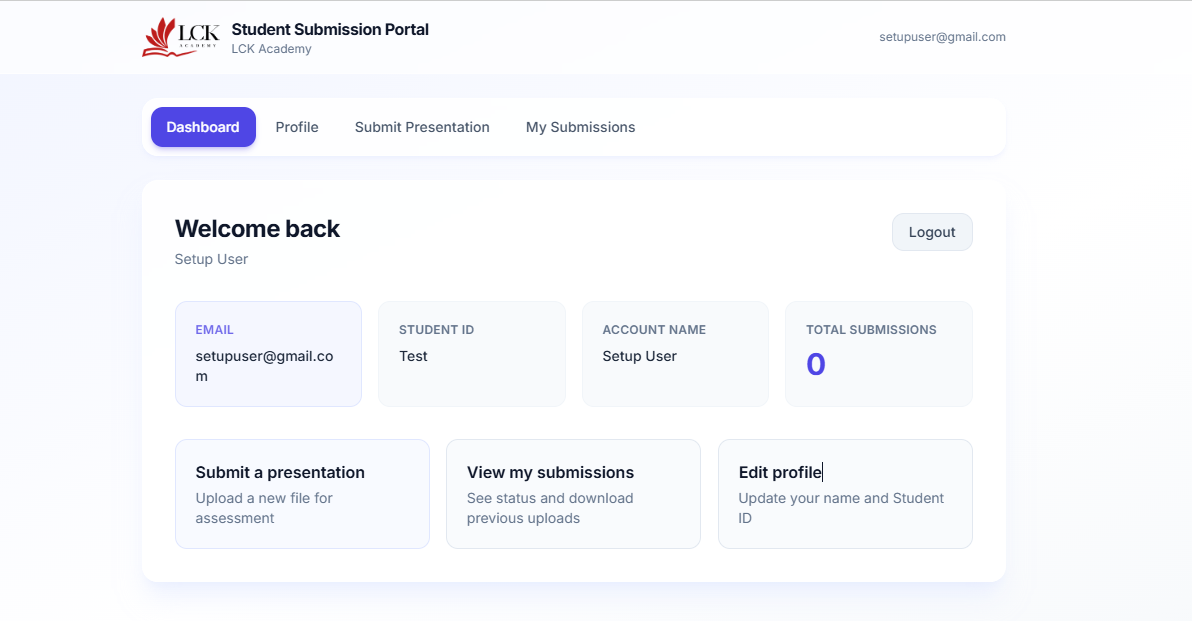
Submission portal (dashboard)
After login, use the dashboard and navigation to manage your profile and submissions.
Read guide →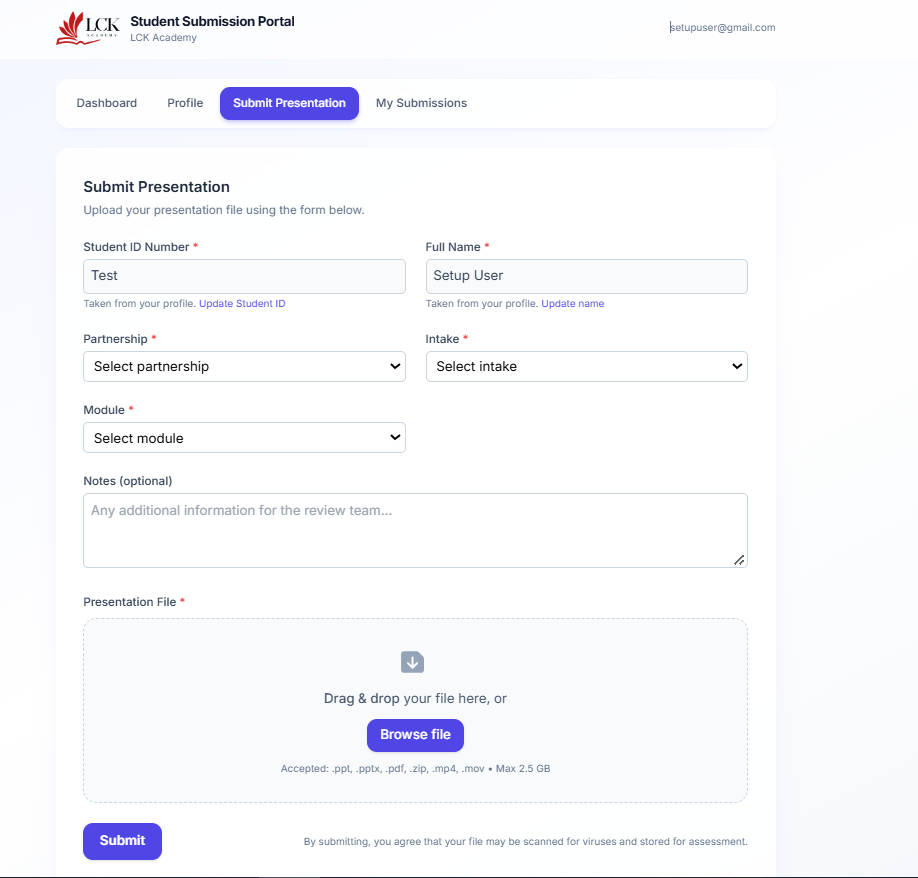
Submit a presentation
Choose your intake and module, send your presentation, and confirm it in My Submissions.
Read guide →
Need support? Contact LCK Academy support if your invitation link has expired or you cannot sign in.